Fifty-Five Combinations and No Guidance: Fixing Choice Architecture on Specialist Ranges
Across the specialist ranges we look at, subscription boxes, supplement stacks, made-to-measure furniture, the same pattern shows up: genuine choice presented as one long grid, on the assumption that a first-time buyer will work out where to start. Most don't. They leave.
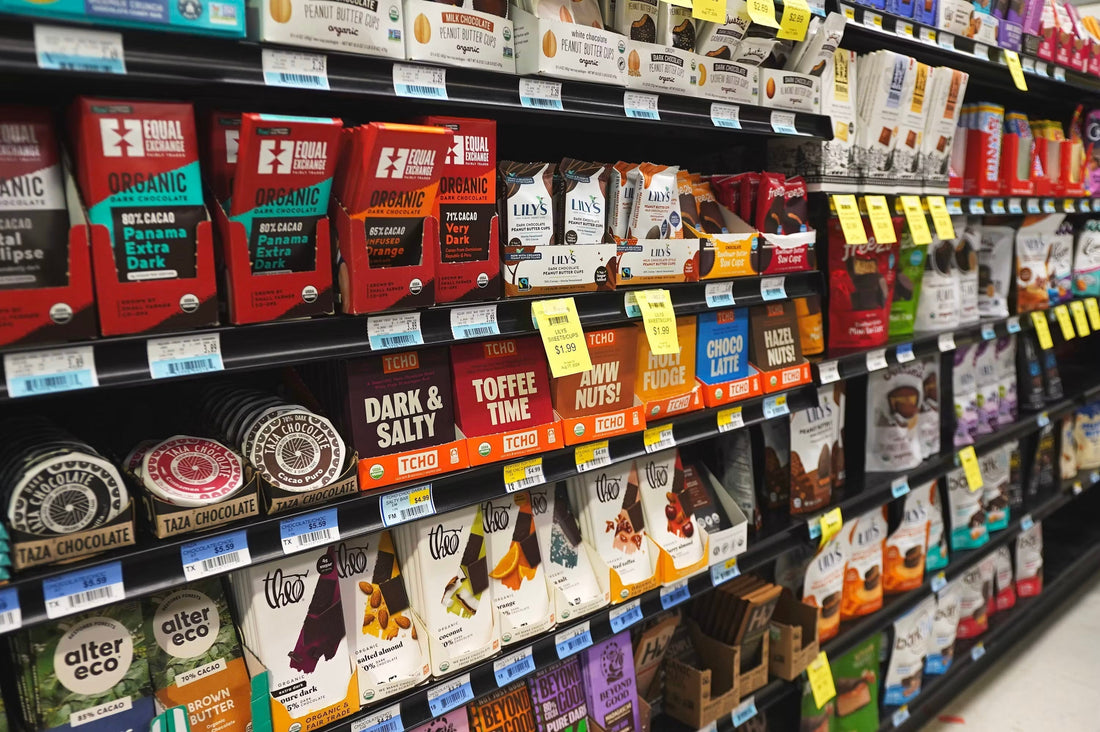
"Fifty-five is a real number, pulled from a protein range with five flavours, four sizes and two formulas, all live on a single collection page with no path through it."
A returning customer who already knows what they want can navigate that fine. A first-time buyer is choosing blind, and on a specialist range, blind choice reads as effort rather than options.
Choice architecture, by the numbers
55
Product combinations on a real range with no guided starting point
3–5
Questions a guided path needs before it lands on one specific recommendation
12
Combinations above which a collection page needs a path through it
What a first-time buyer actually wants
A new customer isn't shopping the range, they're shopping for an answer to one question: which one of these is for someone like me. Showing all 55 combinations up front answers a question nobody asked and skips the one that does.
The fix is a short guided path ahead of the grid, three to five questions covering the real decision points, ending on a specific recommended product with a size and a price attached, not a category. For a supplement range that might be: primary goal, dietary restriction, preferred format, acceptable price band. Four short questions, one screen each, ending on a name and a price rather than a nudge back toward the shelf. "Start here" beats "browse everything" for anyone who hasn't bought from the range before.
Why the quiz app already installed isn't doing this
Most specialist stores we look at already have a quiz or product-finder app installed, and it's usually not fixing the problem, because of where it sits. It launches from a floating button in the corner of the screen, runs as a popup layered on top of the existing collection page, and hands back a short list rather than a single recommendation. The customer lands on the same 55-item grid either way, whether they took the quiz or ignored the button. Most of these apps also trigger on a timer or exit intent, seconds after page load, which puts the guidance moment in a different spot in the journey to where the actual decision happens, on the collection page itself, not in a modal that appeared before the visitor has looked at a single product.
"Guided choice works when it's the entry point, not an optional extra beside it."
That can mean the quiz result replacing the default collection view for new visitors, or it can mean rebuilding the collection page itself around the same three or four questions, sequenced as filters instead of a grid. Either way, the fix has to live in the primary path, not bolted on next to it.
Name the ongoing cost, not just the product
For anything with an implied repeat purchase, a supplement stack, a subscription box, an add-on plan for made-to-measure furniture, the guided path should end with more than a product name. It should tell the customer, before they add anything to cart, roughly what a normal month of using this looks like in dollars. Buyers who work that out for themselves after the second delivery tend to churn at the account settings page. Buyers told upfront rarely feel misled later, because there's nothing left for them to discover.
Measure it yourself
- Count the combinations live on your busiest specialist collection page. Variants times formats times sizes. If it's above a dozen and there's no path through it before the grid loads, that's the gap.
- Check whether an installed quiz app's result replaces that grid or just floats beside it. If it's the second, the guided path still doesn't exist, whatever the app's own dashboard says about completions.
The bottom line
A grid isn't guidance, and a popup quiz beside the grid isn't either, unless its result becomes the page a first-time buyer actually lands on. Count your combinations, then check where the guidance really sits.
At beCommerce, we design and rebuild guided paths for specialist ranges as part of every conversion review. If you want a hand fixing yours, book your free audit →.
Is your store making any of these mistakes?
We audit Shopify stores for exactly these kinds of conversion-killing patterns — the ones that have become normalised until you see them through a customer's eyes.
Book your free audit →