Text Baked Into an Image Can't Be Read by Anyone
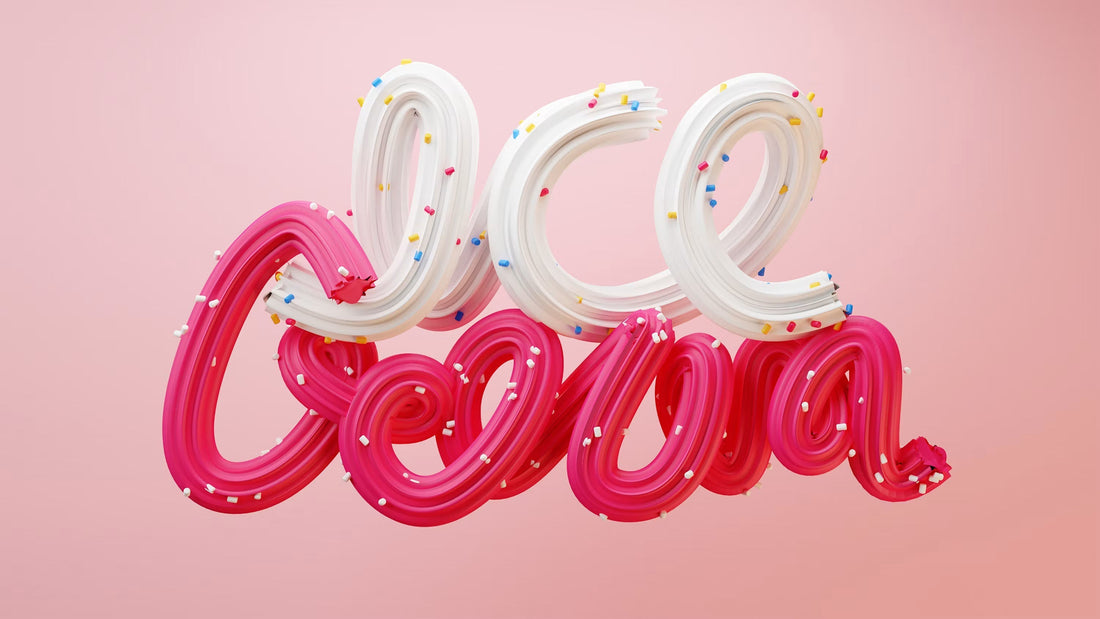
Somewhere on your homepage there's a banner with words on it. "Free shipping over $100." "New season, up to 40% off." Whatever it says, there's a fair chance it was made in a design tool, exported flat, and dropped into the page as one image, text included. Visually it looks exactly like a text headline sitting over a photo. Technically it isn't text at all. It's a picture of text, and a picture of text behaves nothing like the words it shows.
"It's a picture of text, and a picture of text behaves nothing like the words it shows."
Flattened banners, by the numbers
1440px
Desktop width a banner is often designed and exported at
375px
Phone screen it often gets squeezed down to fit rather than rebuilt for
2
Minutes to find where the flattened images are hiding
What "real text" actually buys you
WCAG's Success Criterion 1.4.5 puts it plainly: where a site's technology can achieve the same visual result with real text, real text is what should be used, not an image of it. Logos are the accepted exception, because a wordmark is a fixed piece of branding, not a message that needs to flex. A sale banner is not a logo, and it needs to flex more than most content on the page.
Real text can be resized without pixelating. It reflows onto a new line on a narrower screen instead of getting cropped off. A screen reader can read it aloud, character for character. A customer using their browser's built-in translation to read your site in their own language gets a translated banner. None of that works if the words are locked inside a JPEG. A screen reader skips it, or announces the file name. Translation tools can't touch it. Zoom in past 200% and the text goes soft while the rest of the page stays sharp.
There's a mobile-specific version of this problem too. A banner designed and exported at desktop width, 1440 pixels wide, often gets squeezed down to fit a 375-pixel phone screen rather than rebuilt for it. The headline that was crisp on a monitor turns into six-point mush on a phone, on the exact device most of your traffic is using. Real text sidesteps this entirely, because it's set by CSS at whatever size the breakpoint calls for, not baked in at one fixed resolution and then shrunk.
The part that costs you sales, not just compliance points
Google's own guidance on image SEO says the same thing from a different angle: avoid embedding text in images, particularly headings and key messaging, because search doesn't read pixels the way it reads HTML, and page translation breaks on anything baked into a graphic. Your homepage banner is very often the single clearest statement of what makes you worth buying from this week. If it's an image, that sentence contributes nothing to what a search engine understands your page is about, and nothing to what a customer searching your own site finds when they type "free shipping" into the search box. You wrote your best line and then hid it from every system that would otherwise have surfaced it.
"You wrote your best line and then hid it from every system that would otherwise have surfaced it."
This isn't a rare, one-off mistake either. It's common wherever design work happens outside the CMS, a designer builds the promo banner in an image editor because that's the fastest way to get the layout looking right, exports a flat file, and a developer drops it straight into the page. Nobody in that chain made a wrong call. The image just never got converted into the two layers it's actually made of: a background and a message.
The fix doesn't touch the design
The good news is the visual doesn't have to change to fix this. The technique is to separate what you already built into two layers: the photo becomes a CSS background image, and the words become real HTML sitting on top of it, positioned with CSS to land in exactly the same spot the flattened version had them. Same look, same layout, same font if you're using a webfont already loaded on the site. The only difference is that "free shipping over $100" is now a string of text in the page's markup instead of a pattern of pixels.
For a merchant on Shopify this usually means asking whoever builds the homepage sections to stop flattening banner text into the image asset, and instead set the photo as a section background with the heading and button rendered as theme content on top of it. Most modern themes already support this pattern for hero sections. The habit that needs to change is upstream of the theme, in how the banner gets designed and handed off in the first place.
Measure it yourself
Open your homepage and hit Ctrl+F, or Cmd+F on a Mac, then type a few words from your main banner. If the browser doesn't find and highlight them, that headline isn't real text, no matter how it looks. Do the same check on your top three landing pages and any seasonal promo banners currently live. It takes about two minutes and tells you exactly where the flattened images are hiding, no audit tool required.
At beCommerce, we check for flattened text as part of every accessibility and SEO review. If you want a hand fixing yours, book your free audit →.
Is your store making any of these mistakes?
We audit Shopify stores for exactly these kinds of conversion-killing patterns — the ones that have become normalised until you see them through a customer's eyes.
Book your free audit →